

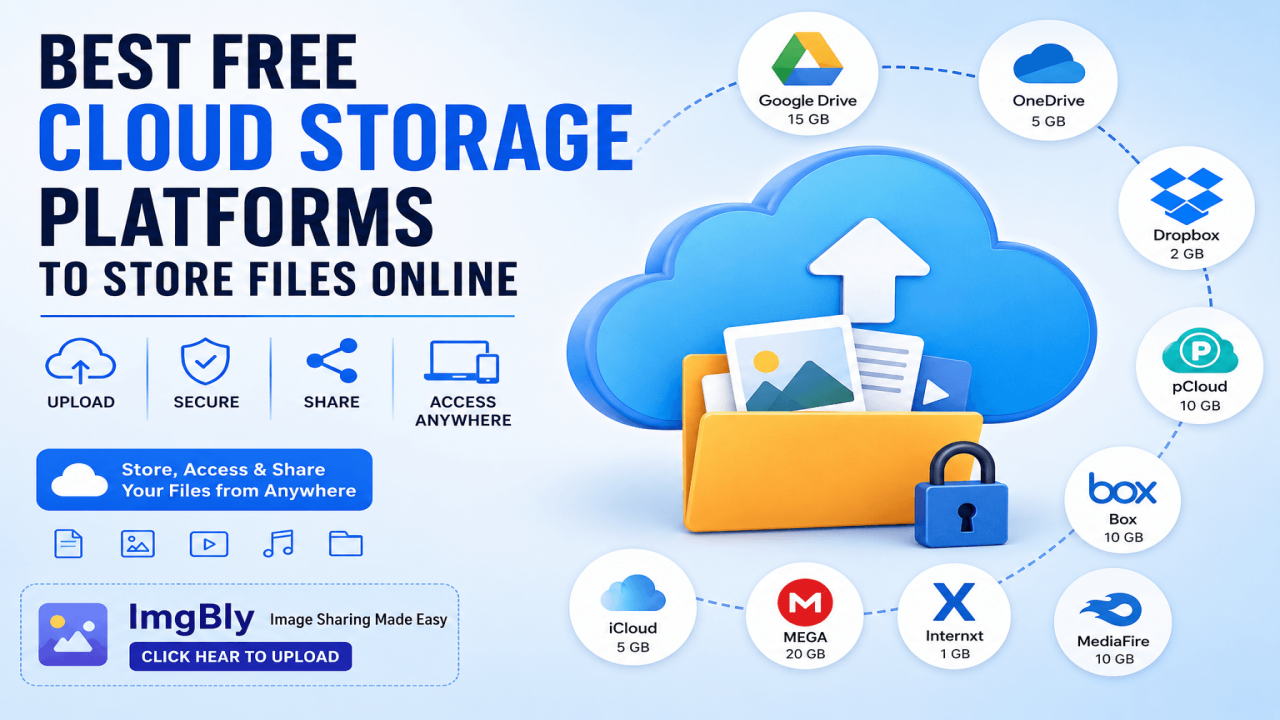
Best Free Cloud Storage Platforms to Store Files Online
In today’s digital world, people need a safe and simple way to store files online. Whether you are saving photos, documents, business files, videos, design assets, or personal backups, cloud storage makes everything easier. Instead of depending only on your phone, laptop, memory card, or hard drive, you can upload your files online and access them anytime from any device.
The demand for free cloud storage is growing because users want fast access, secure sharing, and backup protection without spending money. Free cloud storage platforms are especially useful for students, freelancers, content creators, small business owners, and anyone who regularly works with digital files.
Many cloud platforms offer free storage plans with features like file upload, folder organization, link sharing, mobile access, and automatic backup. Some platforms are better for documents, some are better for photos, and some are better for team collaboration. Choosing the right one depends on what type of files you want to store and how often you need to share them.
In this article, we will discuss the best free cloud storage platforms to store files online and how they can help you manage your files more easily.
What Is Cloud Storage?
Cloud storage is an online file storage system where your files are saved on internet-based servers instead of only on your device. After uploading your files, you can access them using a web browser, mobile app, or desktop app. This means your important files are available even if your phone is lost, your laptop crashes, or your local storage becomes full.
Cloud storage is useful because it gives you flexibility. You can upload a file from one device and download it from another. You can also share files with friends, clients, team members, or customers using a link. This is one of the main reasons cloud storage is now popular for both personal and professional use.
Why Use Free Cloud Storage?
Free cloud storage is a smart choice for users who want online storage without paying monthly fees. It is perfect for storing common files such as images, PDFs, Word documents, spreadsheets, videos, project files, and personal memories.
Another major benefit is easy sharing. Instead of sending large files through email or messaging apps, you can upload the file to a cloud platform and share the link. This saves time and keeps your files organized.
Free cloud storage also helps protect your files from accidental loss. If your device is damaged or deleted files cannot be recovered locally, cloud storage can act as a backup solution.
Best Free Cloud Storage Platforms to Store Files Online
1. ImgBly
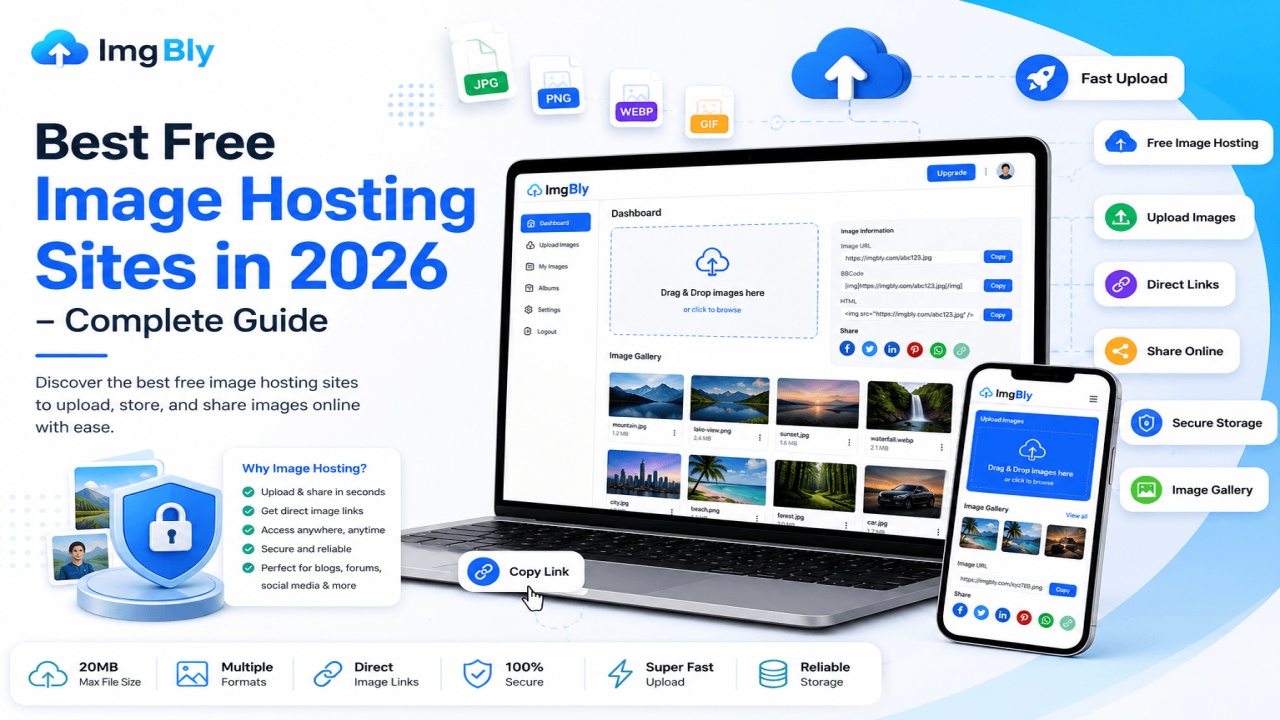
ImgBly is a useful platform for users who want to upload and share images online. It is especially helpful for bloggers, website owners, digital marketers, designers, and social media users who need a quick way to host and share photos.
Unlike traditional storage platforms that focus on every type of file, ImgBly is mainly designed for image sharing. Users can upload images and use them for blogs, posts, online profiles, websites, and other digital purposes. For anyone looking for a simple image hosting solution, ImgBly can be a practical choice. If you want to upload your image quickly, you can click hear to upload and start sharing your image online.
2. Google Drive
Google Drive is one of the most popular free cloud storage platforms. It works smoothly with Google Docs, Sheets, Slides, Gmail, and Google Photos. This makes it a great option for students, office workers, writers, and business teams.
Users can store documents, images, videos, PDFs, and many other file types. Google Drive also makes collaboration very easy because multiple users can edit documents in real time. It is a strong option for anyone who already uses a Google account.
Google’s official storage information says Google Accounts include up to 15 GB of storage shared across Google Drive, Gmail, and Google Photos.
3. Microsoft OneDrive
Microsoft OneDrive is a great cloud storage option for users who work with Microsoft Office tools like Word, Excel, PowerPoint, and Outlook. It is especially useful for business users and students who already use Microsoft services.
OneDrive allows users to upload files, sync folders, share links, and access documents from different devices. It also works well with Windows computers, making file backup and syncing more convenient.
Microsoft lists 5 GB of free cloud storage for OneDrive users on its official free storage page.
4. Dropbox
Dropbox is known for simple file sharing and easy syncing. It is one of the oldest and most trusted names in cloud storage. Dropbox is useful for people who need to share work files, client documents, images, and project folders.
The free plan is smaller compared to some other platforms, but Dropbox is still popular because of its clean interface and reliable syncing features. It is a good choice for users who need basic file storage and quick sharing.
Dropbox officially offers 2 GB of storage with its free Basic account.
5. pCloud
pCloud is another strong cloud storage platform for storing photos, videos, documents, and other important files. It offers an easy-to-use interface and works across multiple devices.
One of the main advantages of pCloud is its focus on secure storage and file sharing. It is suitable for personal users, freelancers, and professionals who want a simple platform to store and access files online.
pCloud’s official website mentions up to 10 GB of free secure cloud storage.
Final Thoughts
Free cloud storage platforms are very useful for storing, organizing, and sharing files online. Whether you are a student, business owner, blogger, freelancer, or regular internet user, cloud storage can make your digital life easier.
Platforms like Google Drive, OneDrive, Dropbox, pCloud, Box, iCloud, MEGA, Internxt, MediaFire, and ImgBly offer different benefits for different users. The best choice depends on whether you need image hosting, document collaboration, secure backup, or simple file sharing.
If your main goal is to upload and share images online, ImgBly is a helpful platform to try. For general documents and collaboration, Google Drive and OneDrive are strong options. For business file sharing, Box and Dropbox are reliable choices.
Start with a free plan, test the features, and choose the platform that fits your storage needs best.




Comments (0)